You can make a website multilingual without paid subscriptions or external translation services. The free Polylang plugin creates a separate URL for each language, links translations together and outputs hreflang. Below is the complete setup procedure, SEO nuances and common mistakes.
Why Polylang and not cloud translators?
- Everything lives in your database. Translations are stored as regular WordPress posts. Cloud solutions such as Weglot load translations from third-party servers, which adds requests and slows pages down.
- Clean SEO structure. Every translation has its own real URL (
/uk/page/) instead of text being swapped by a script. Search engines index what the user sees. - Easy linking of posts. A translation is attached to the original in one click, and the language switcher leads to the matching page, not to the home page.
- Compatibility. Works with the block editor. With Elementor and other page builders it works through the free Polylang Connect for Elementor connector, which was built by a third-party team (Polylang did not develop dedicated Elementor support).
- Images are translated for free. Each image can get a language and its own alt text, caption and description.
- The number of languages is unlimited.
Which Polylang features are paid?
In the panel of the free version you will see three modules marked Pro:
| Module | What it does |
|---|---|
| Share slugs | the same slug for translations in different languages |
| Translate slugs | translation of custom post type and taxonomy slugs |
| Machine translation | DeepL |
An online store also needs a separate paid add-on, Polylang for WooCommerce. For a blog, a catalog or a services website, the free version is enough.
Step-by-step setup guide
Step 1. Preparation
- Make a backup.
- In Settings → Permalinks, enable pretty permalinks (not the plain
?p=123structure). - Decide on the default language: it will open without a prefix in the address.
Step 2. Installation and languages
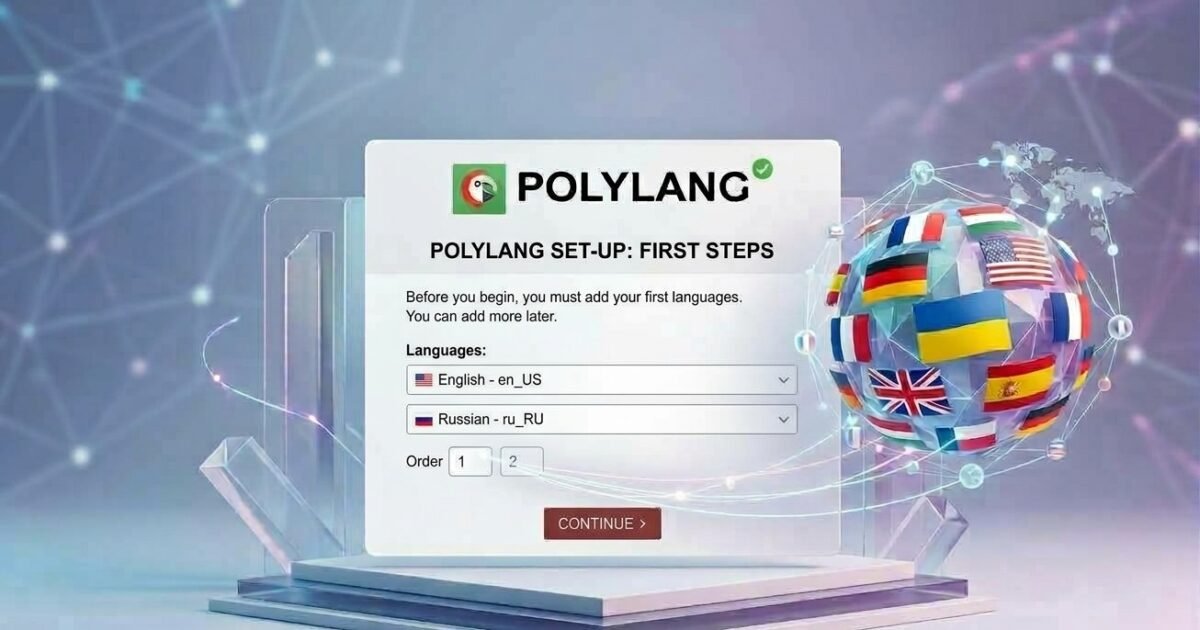
Install Polylang from the plugin directory and go through the setup wizard: add languages and enable media translation. Then open Languages → Languages and mark the default language.
If you install the plugin on a live site, a notice will appear about posts, pages, categories or tags without a language. Click the link to assign them the default language. Without this, old content will disappear from the site: posts without a language do not pass the language filter.
Step 3. URL structure
Open Languages → Settings → URL modifications. There are three ways to determine the language:
- Directory:
site.com/en/my-post/ - Subdomain:
en.site.com/my-post/ - A separate domain for each language
For most sites the best option is the directory. It requires no DNS changes or separate certificates, and domain authority stays shared. The recommended set:
- language set from the directory name;
- hide the language code for the default language (the main language at the domain root, others in
/uk/,/en/); - remove
/language/from the links (otherwise archives will look like/language/en/, and the home page of a language version will becomesite.com/language/en/).
If pages return 404 after you change the structure, go to Settings → Permalinks and click “Save Changes”.
Step 4. Home page and blog page
This is where the home page address breaks most often: instead of /en/ you get /en/home/. The procedure:
- Create the home page in each language and link the pages as translations (the languages column in the page list or the “Languages” box in the editor).
- Create the blog page in each language and link those translations too.
- Open Settings → Reading, select “A static page” and specify the home page and the posts page. Polylang will not accept a page that has no translations in all languages.
- Go back to Languages → Settings → URL modifications. The option “The front page URL contains the language code instead of the page name or page ID” appears only after you enable a static front page. Enable it.
Result: site.com/uk/ instead of site.com/uk/home/. The previous address with the page name stops opening (404) after the option is enabled. On a new site this does not matter. On a live site, check which old addresses are already in the index.
In the free version, page slugs in different languages must be unique. If you set the same one, WordPress will append -2. Set slugs manually: blog and blog-uk.
Step 5. Translating posts, pages and categories
- In the post list, each row has a languages column: the plus creates a translation, the pencil opens an existing one.
- Categories and tags are translated the same way, via Posts → Categories.
- For custom post types and taxonomies, enable translation in Languages → Settings.
- Synchronization (Languages → Settings → Synchronization) copies the featured image, page order, custom fields and other data between translations. Enable only what should be identical.
Images. Enable media translation in the settings. In the media library, a file gets a translation to which you can assign its own alt text and caption. This helps SEO: alt text in the page language works for image search.
Step 6. Menus and language switcher
- Create a separate menu for each language.
- In Appearance → Menus, on the “Manage Locations” tab, assign a menu to each language.
- The switcher is added as a “Language switcher” menu item or as a widget/block. Configure whether to show names or flags and whether to hide the current language.
If a language does not show up in the switcher, it has no published posts or pages: Polylang hides such languages to avoid 404 errors.
Step 7. Interface strings
The site title, tagline, widget titles and strings registered by the theme are translated in Languages → Translations (strings). Theme strings not registered through Polylang are translated with .po/.mo files (for example, with the Loco Translate plugin).
SEO: what Polylang does and what needs extra work
Out of the box, every page has its own URL, a lang attribute and hreflang tags. After launch, check that the sitemap contains the URLs of all languages and that each translation has its own canonical link.
An imperfect point: hreflang without a region. Polylang outputs only the language:
<link rel="alternate" href="https://example.com/uk/" hreflang="uk" />
<link rel="alternate" href="https://example.com/" hreflang="ru" />
If the site targets a country, it is better to specify the language and the region:
<link rel="alternate" href="https://example.com/" hreflang="ru-UA" />
<link rel="alternate" href="https://example.com/uk/" hreflang="uk-UA" />
Polylang cannot do this without code, because it does not know which region you target, but there is a filter for it: pll_rel_hreflang_attributes. It takes an array of “language code → URL”. Add the code to an mu-plugin or a snippets plugin: the Polylang documentation says the filter must be added in a custom plugin, because it usually runs before the theme is loaded.
/**
 * hreflang geo-targeting.
 * [choose a locale]: in $map, the Polylang language code is on the left, language-COUNTRY on the right.
 */
add_filter( 'pll_rel_hreflang_attributes', function ( $hreflangs ) {

    $map = [
        'ru' => 'ru-UA', // [choose a locale]
        'uk' => 'uk-UA', // [choose a locale]
    ];

    foreach ( $map as $from => $to ) {
        if ( isset( $hreflangs[ $from ] ) ) {
            $hreflangs[ $to ] = $hreflangs[ $from ];
            unset( $hreflangs[ $from ] );
        }
    }

    // Optional: x-default pointing to the version you need
    // $hreflangs['x-default'] = $hreflangs['ru-UA'];

    return $hreflangs;
} );
After adding it, open the page source and check that the old tags (hreflang="ru", hreflang="uk") are gone and the region is specified for all languages. Clear the cache. Region codes must follow ISO 3166-1 (UA, PL, DE and so on). Each language version must link to all the others and to itself.
About x-default: Polylang adds it only to the home page that is automatically redirected. If you need x-default on every page, uncomment the line in the code.
Common problems
- Home page address
/en/home/: enable a static front page, then the language code option in URL modifications (step 4). - Posts disappeared after installation: they have no language assigned, so assign the default language.
- Pages return 404 after changing the URL structure: re-save the permalinks.
- The slug gets
-2: identical slugs for translations are available only in Pro, so set unique ones manually. - A language is not visible in the switcher: there is no published content in that language.
- Part of the theme interface is not translated: use
.po/.mofiles or Loco Translate. - Duplicate hreflang tags: the filter above must replace existing keys (
unset), not only add new ones.
Still have questions about Polylang setup, URL structure or hreflang? Get a consultation with us, and we will review your site and suggest a solution.